
Built inside a working print shop

Stop Building Product Listings by Hand.

Turn one design into professionally branded mockups, variant-ready product listings, and publish directly to Shopify—all in minutes.

See how it works
No credit card required · Use your own product photos · Shopify and WooCommerce ready
One design placed onceApplied consistently across every color
32 variants mappedReady to publish
app.customockup.com / new-product

Create a new product

Comfort Colors 1717 · 32 selected colors
Publish product
Front placement12 in wideCentered
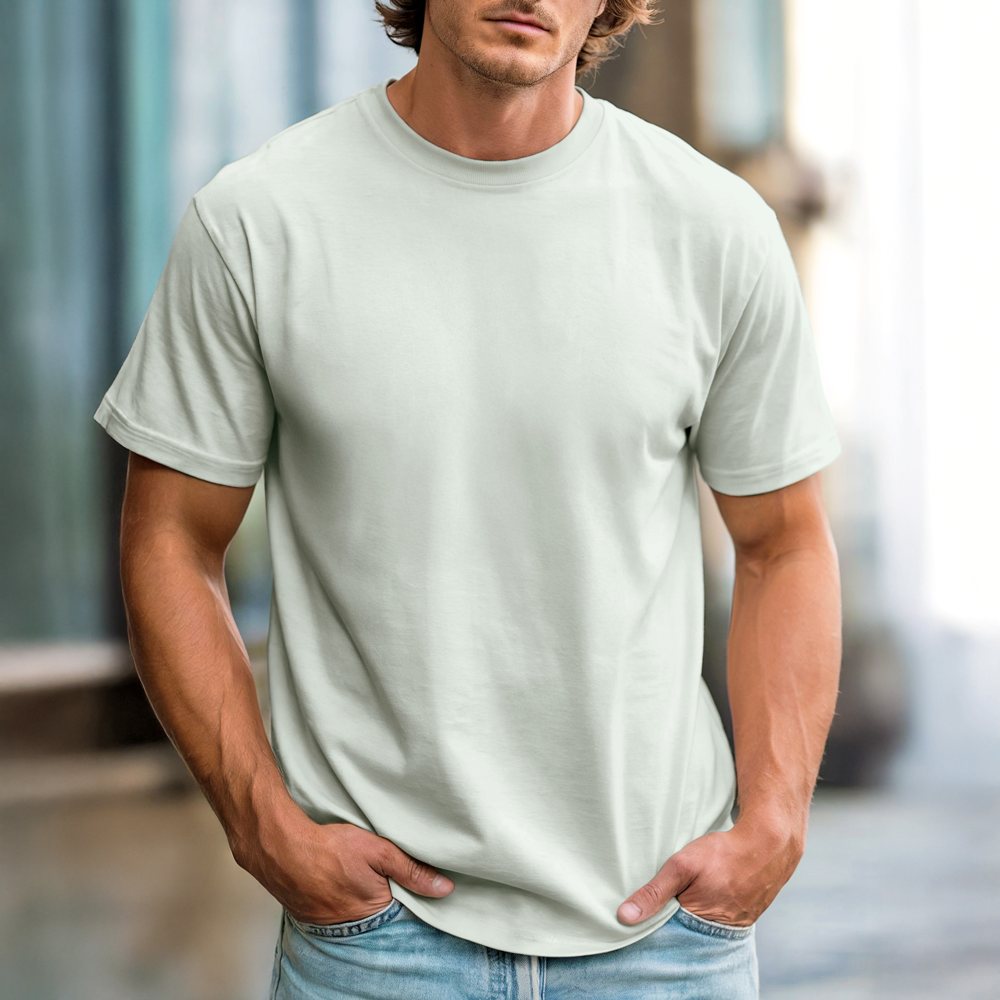
Ivory tee — your product photo
Ivory
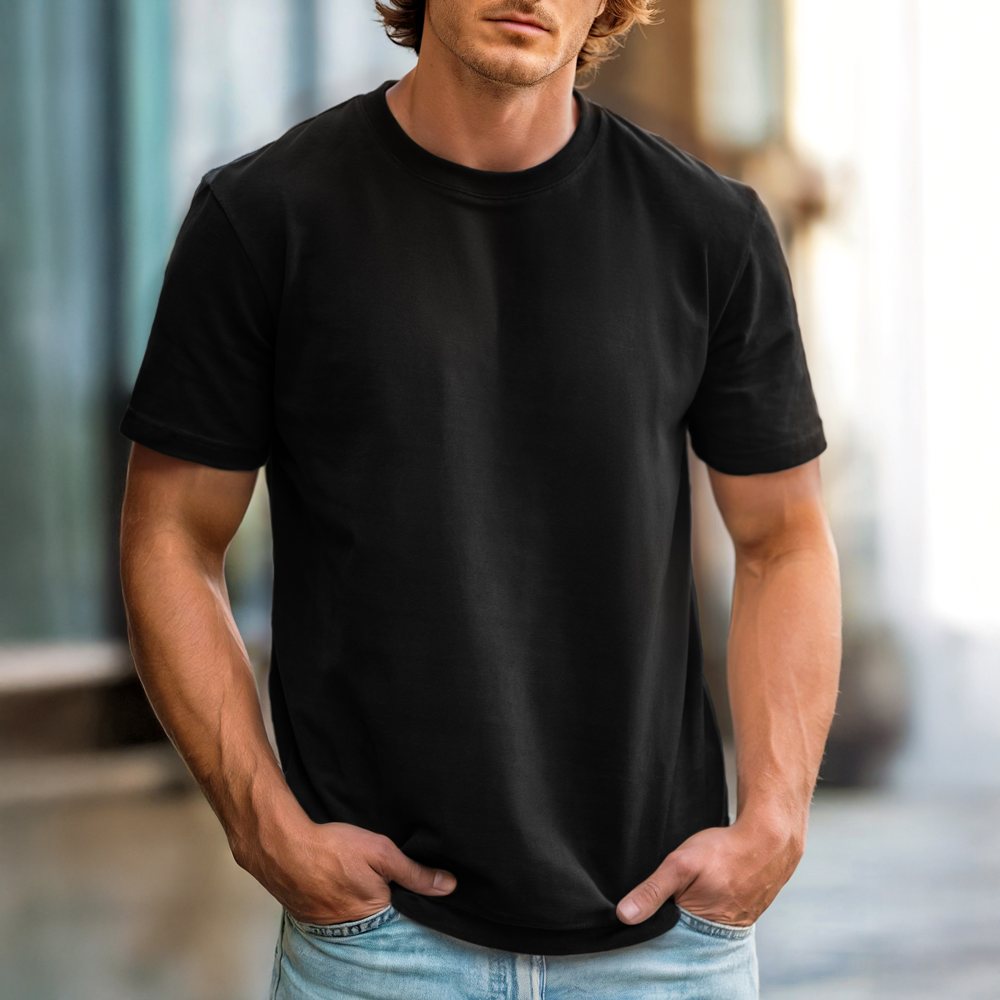
Black tee — your product photo
Black
Bay tee — your product photo
Bay
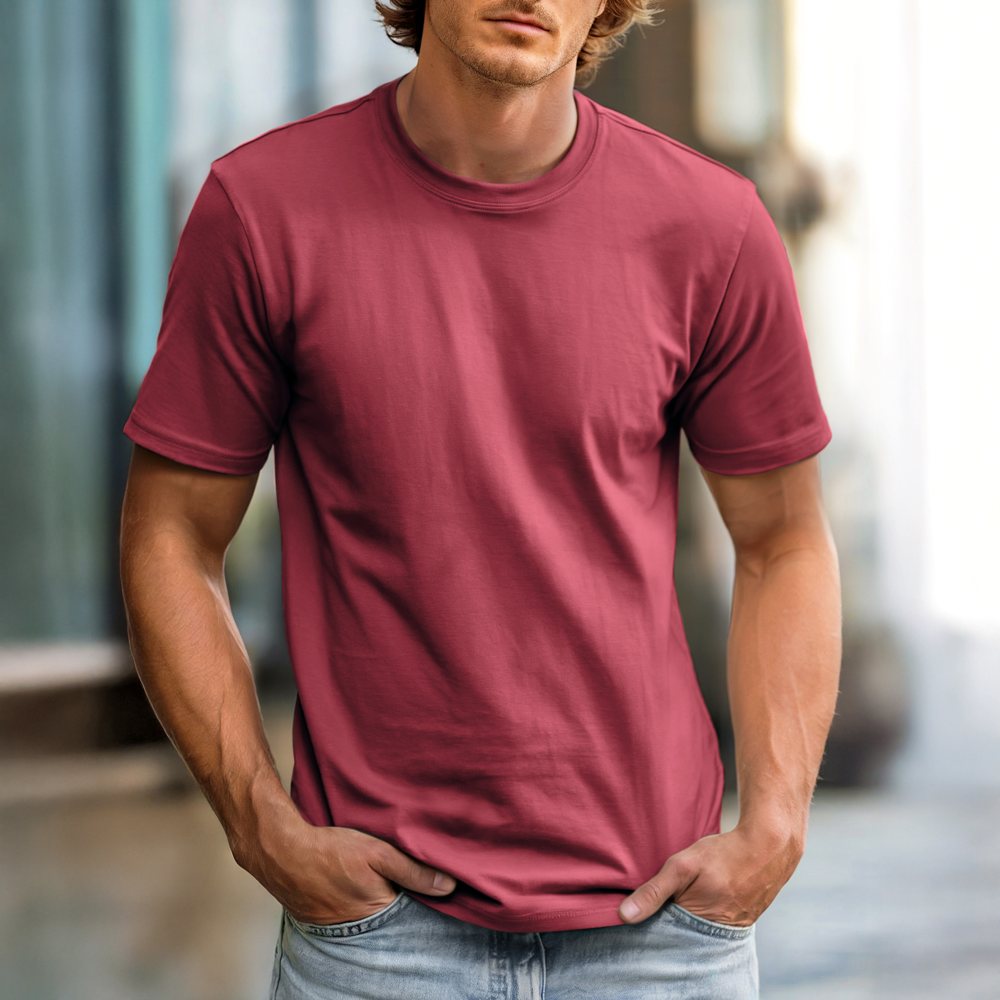
Brick tee — your product photo
Brick
Variant mapping
Black
Ivory
Bay
Brick
Listing progress

Photos, pricing, SKUs and sizes are ready.

8 yearsrunning our own print shop
4 yearsprinting DTF every day
One flowfrom artwork to published product
Your photosnot a recycled stock library
The work nobody wants

Every new design should not take hours to launch.

Creating the artwork is the creative part. Everything after that is repetitive, easy to get wrong, and difficult to scale.

CustoMockup replaces the manual chain.

One connected workflow handles mockups, variant matching, listing data, SKUs and store publishing.

1Resize and position the artwork
2Create every garment-color mockup
3Export and rename the image files
4Upload every image to the store
5Match each image to its color variant
6Build titles, descriptions, sizes and pricing
7Create SKUs and verify every combination
8Publish—and repeat for the next design
One connected launch pipeline

From PNG to published product.

CustoMockup keeps every part of the process connected, so the information created at one step is ready for the next.

ArtworkUpload your PNG
Smart placementPlace it once
MockupsEvery selected color
Variant mappingImages matched automatically
Product listingSizes, pricing and SKUs
PublishSend it to your store
The product is the proof

Show the workflow, not just a list of features.

Each section below focuses on a clear outcome: your brand stays recognizable, variants stay organized, and products launch faster.

Your brand stays yours

Mockups built from your own photography.

Most mockup tools make every shop look the same. CustoMockup starts with the product images you already use, so every finished listing still looks like your business created it.

Build each garment template once, then reuse it on every design.
Keep artwork placement and sizing consistent across the entire color run.
Add branded watermarking before preview images reach your store.
Ivory tee on model
Ivory
Bay tee on model
Bay
Brick tee on model
Brick
Black tee on model
Black
The key differentiator

Variant mapping that actually makes sense.

Every mockup carries its color information into the listing. Black connects to Black. Bay connects to Bay. There is no dragging, sorting, renaming or guessing after the images are generated.

Automatically pair each mockup with the matching product color.
Catch artwork conflicts before dark art disappears on a dark garment.
Reduce the variant mistakes customers notice after launch.
Mockup-to-variant mapping4 of 4 matched
Black mockup
Black variant
Ivory mockup
Ivory variant
Bay mockup
Bay variant
Brick mockup
Brick variant
S
Shopify variants are readyImages, sizes and SKUs are connected
Finish the entire job

Publish a product—not a folder of pictures.

CustoMockup does not stop after image generation. Continue through the same workflow to build the listing data and send the finished product directly to your connected store.

Create titles, descriptions, sizes, pricing, weights and clean SKUs.
Run duplicate checks before a product is published twice.
Download the mockups instead whenever you only need the files.
New Shopify productReady to publish
Product photo in the listing
Publish 32 variants
The value in one glance

Minutes instead of an afternoon.

The page should make the time difference visible without forcing the visitor to calculate it themselves.

Manual listing workflow
2–3 hours
With CustoMockup
Minutes
Evans and Mekisha
Evans & MekishaPrint shop owners · Software built from real production work
Built by people who use it
“We were not trying to build software. We were trying to stop losing our afternoons.”

We run Blended Customs and Blended Customs Co. The printing was never the bottleneck. Building every mockup, matching every variant, creating every SKU and publishing every product was.

So we built CustoMockup for our own stores first. Every feature exists because our shop needed it, and the software continues to be tested in real production work—not a theoretical workflow.

Made in our shop. Used in our shop. Now ready for yours.

Who it is for

Built for apparel businesses that are ready to move faster.

Visitors should immediately recognize themselves and understand that the workflow fits the way they sell.

Print shops

Launch new artwork across full garment color runs without tying up production staff.

POD sellers

Turn a growing design catalog into branded products with a repeatable listing process.

Boutiques

Keep every listing visually consistent while adding new designs and seasonal collections.

Spirit-wear sellers

Build school, team and booster-club products across multiple colors and size ranges.

Shopify stores

Connect images, variants and listing data before publishing directly to your storefront.

Growing side hustles

Replace the manual process before listing work becomes the limit on how much you can sell.

Everything in one workflow

The feature set, after the story is clear.

01

Saved placements

Set the artwork position once and reuse it consistently.

02

Color-run mockups

Generate every selected garment color in one pass.

03

Artwork warnings

Catch dark-on-dark and light-on-light conflicts early.

04

Variant mapping

Connect each mockup to the matching store variant.

05

SKU generation

Create organized product and variant SKUs automatically.

06

Duplicate checks

Prevent the same product from being published twice.

07

Bulk downloads

Download the complete mockup set whenever you need files only.

08

Watermark protection

Apply branded protection to customer-facing preview images.

09

Listing builder

Complete titles, descriptions, sizes, prices and weights.

10

Shopify publishing

Send the complete product directly to a connected store.

11

WooCommerce ready

Use the same streamlined workflow for WooCommerce stores.

12

Your photography

Build the entire customer experience around your visual brand.

Straight answers

Questions before you start.

Do I use my own mockup photos?

Yes. CustoMockup is designed around your product photography. You create reusable templates from the garments and photos that already represent your brand.

Does it only create mockup images?

No. You can download mockups by themselves, or continue through the same workflow to create listing data, map product variants and publish the finished product to your store.

How does variant mapping work?

Each generated mockup retains the garment-color information used to create it. CustoMockup uses that data to connect the image to the matching color variant before the product is published.

What happens when artwork does not show on a garment color?

CustoMockup flags potential color conflicts before generation. You can adjust the artwork for that specific variant without changing the artwork used on the remaining colors.

Do I need design experience?

No additional design workflow is required. If the PNG is ready for you to print, it is ready to use inside CustoMockup.

Do I need a credit card for the trial?

No. The proposed offer is a full 30-day trial without requiring a credit card at sign-up.

Your next product listing should take minutes—not an entire afternoon.

Try the complete workflow on your next design, using your own products, your own photos and your own store.

No credit card required · Cancel nothing if it is not the right fit